Home Patch layout tool
Free patch layout tool
Try out your patches on a jacket, backpack, cap or jeans before the iron comes out. Drag them about, resize them to real sizes and save a picture of your layout.
· Sizes are for an adult medium, so treat them as a guide.
How to use your layout
- Measure your real patches and set each one to its width in centimetres, so the layout matches what you've got.
- Leave a gap of about 1 cm (⅜ in) between patches and keep them off thick seams, which stop an iron pressing evenly.
- Save a picture and keep it open on your phone while you pin the patches in place.
- Then fix them on: see how to iron on a patch or how to sew one on.
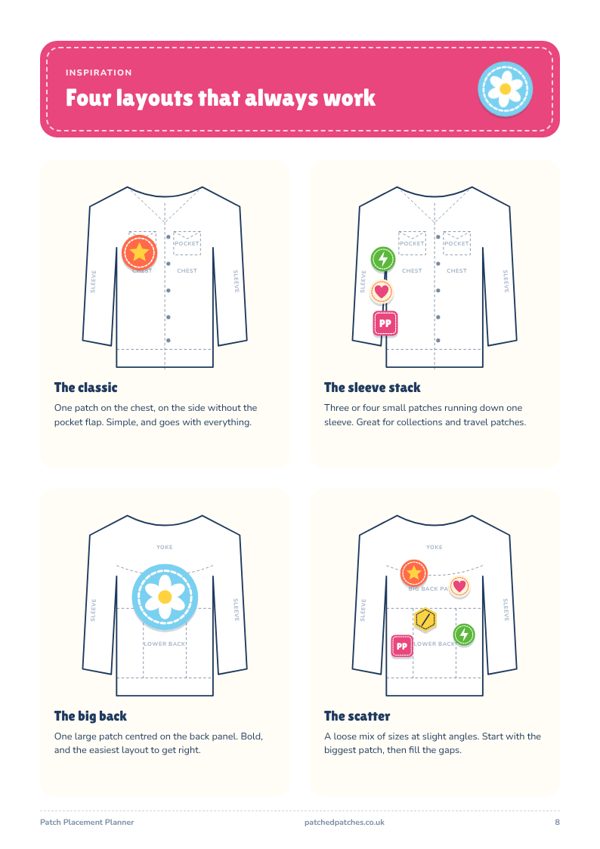
Looking for ideas? Read where to put patches on a denim jacket and how to put patches on a backpack.
Prefer paper?
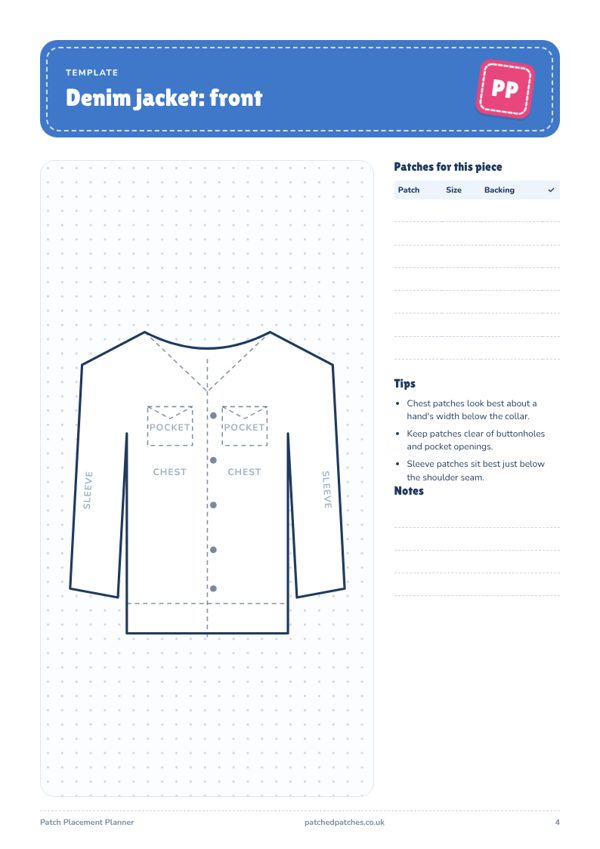
The printable Patch Placement Planner
Templates for jackets, bags, caps and jeans, an actual-size patch guide and a care cheat sheet, ready to print and sketch on.
See the planner